




Learn how you can get your home organized with my easy step-by-step organization course. My course is full of organization ideas as well as home organization tips and tricks to get your life and home organized and keep it that way.

ONLINE DECLUTTERING COURSE
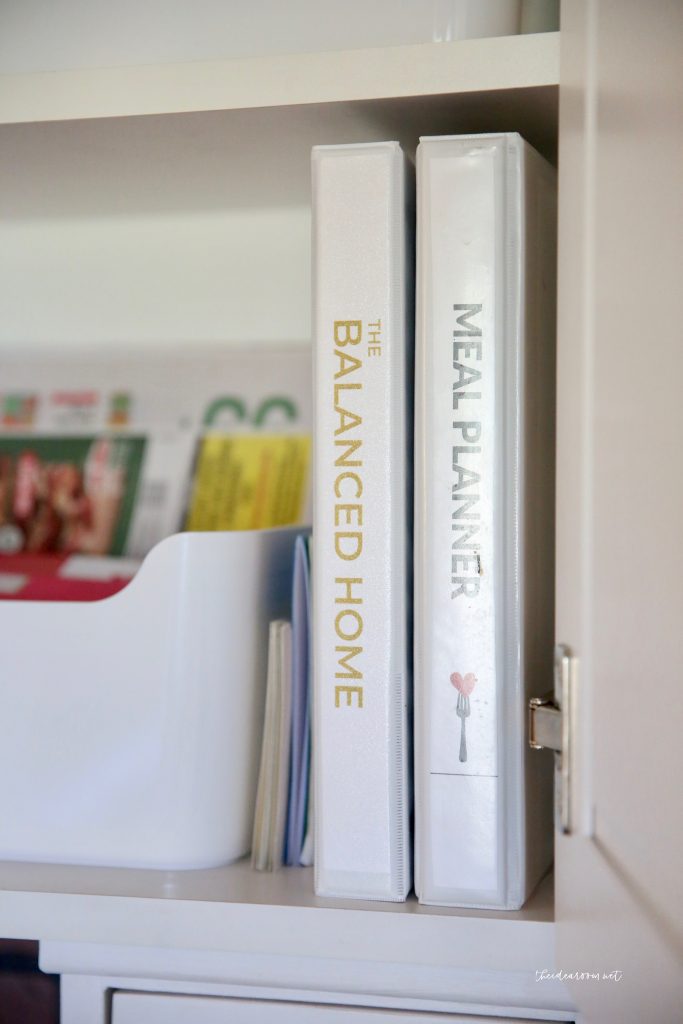
For the past several months I have been putting together my Online Organization Course, The Balanced Home. I am excited to teach you my decluttering and cleaning process. These processes also teach you how to create simple routines and cleaning schedules which allow you to naturally maintain your clean and organized home.
No need to hire a professional organizer, or live with the clutter because you will have the skills and learn how to overcome any mental barriers or fears you might have to get started!
Stop Drowning in Household Clutter
Transform your space without the overwhelm. Join The Balanced Home Course for a step-by-step system to get your home organized and keep it that way for good.
Learn More & Join Today →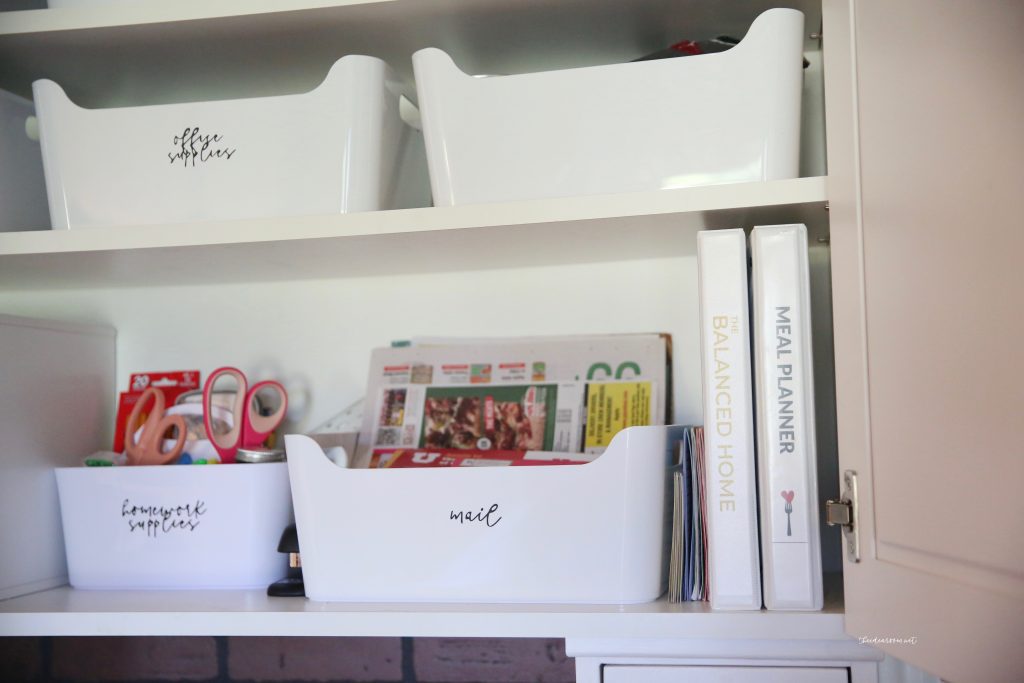

WHAT DOES THE ORGANIZATION COURSE COVER?
The Balanced Home Organization Core
($1,000 Value)Contains my core Decluttering and Organization Processes, which shows you how to:
- Learn how to declutter and organize your home–by learning processes and techniques that really work!
- Deal with stuff you don't know how to get rid of
- Understand what qualifies as hoarding
- Understand how to overcome hoarding tendencies
- Deal with your junk room or junk drawer
The Tools
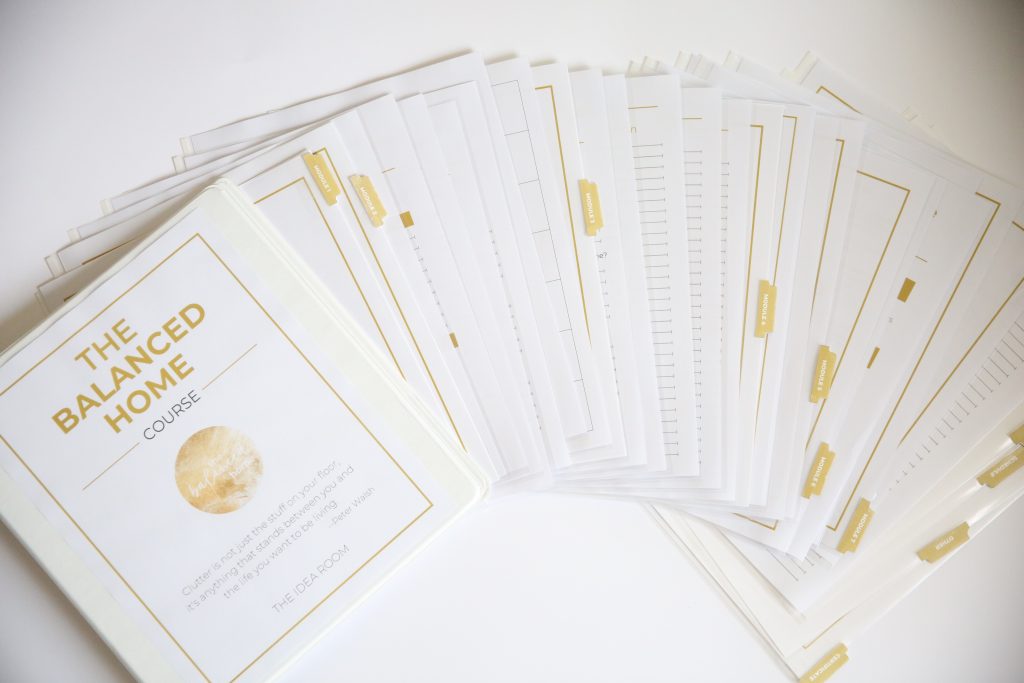
- Workbook, Resources, Labels, and More ($250 Value). Contains everything you need to help guide you through each lesson, including:
- An easy-to-follow workbook to guide you step-by-step through the lessons
- Printable Labels
- A vision sheet for your home
- A working checklist of tasks you can accomplish in 30 minutes or less
- Shopping and To-Do Lists
- Monthly Calendar and Weekly Schedule
The Mental Foundation
The best processes to overcome mental barriers from Tony Robbins and Dean Graziosi's Mastermind Course ($200 Value). Helps you to find the time, the energy and the motivation to organize your home by:
- Discovering your “true, internal why” -> what motivates you to want an organized home
- Helping you clearly identify what is holding you back from success
- Teaching you how to organize your schedule to create new pockets of time
- Helping you discover what is most important for you to accomplish with your time, as opposed to just urgent or habit
- Helping you cut out the things that aren't important and identify gaps in your schedule you can dedicate to working on your home
Your Ideal Home
The best processes to set and achieve your vision by breaking it down into actionable steps ($300 Value). Teaches you how to break down an overwhelming project into small, manageable steps, by:
- Clearly defining your goal and vision for your home
- Learning how to evaluate specific rooms and identify what you want to be improved
- Identifying specific, easy to complete tasks in each room that will contribute to your overall goal without overwhelming you
- Getting your family or others involved in the process
Cleaning and Maintaining
The best processes to clean and maintain your home after it has been organized ($200 Value).Teaches you how to maintain your home once it is clean and keep it organized, by:
- Providing you with the basic cleaning routines you need to naturally stay in control of your home
- Teaching you my amazing “Ten-Minute Clean-up” process, which allows you to clean an entire floor / room in ten minutes or less!
- Showing you how to establish routines with your kids and other members of the family
- Sharing important resources such as chore cards, favorite cleaning products, and a deep-cleaning checklist, and more
- Explaining the laundry routine we use in our home to get our laundry done every week without even thinking about it
- Teaching you how to deep clean your home after it has been decluttered and organized
- Showing you how to help the other members of your household be on the same page and not “unclean” your home
During the course, we will:
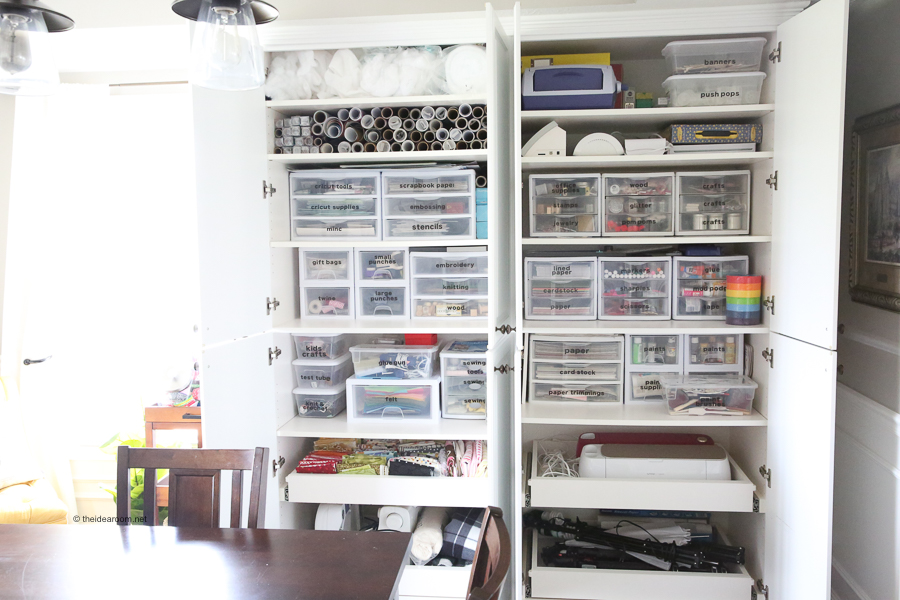
- Show you the process of how to go throughout your home decluttering, cleaning, and organizing. Then you can take this process and go throughout all the rooms in your home–including the bathrooms, kitchen, craft room, home office, basement, entryway, playroom, garage, attic, and all other rooms in your home–cleaning and organizing.
- Clean out and organize not just the rooms themselves, but organization spaces such as closets, shelves, drawers, and bookshelves.
- Learn how to properly use organization equipment, such as bins, drawer organizers, storage bins, food storage containers, lids, and baskets.
The Private Balanced Home Community
(BONUS – Priceless). Provides a community that you can go to whenever you need a place where you…
- Seek inspiration and ideas from others
- Receive support and motivation from others
- Share your successes and see the successes of others as we all work towards finding balance and clarity in our homes.
- Can ask questions and let me know what you may still need help with so that I can continue to cater the course to your needs


What Do People Have To Say About My Organization Course?
“This course was instrumental in helping me organize my space as well as my time. As a busy mom, I have a better grasp on what my days need to include so that I can enjoy my family rather than spend my time spinning my wheels cleaning up after everyone.”
“The Balanced Home Course helped me to be the “professional organizer” for my family! Simple steps to follow, check lists, printable labels, suggestions and worksheets will keep you on track to successfully maintain your own balanced home.”
“I am pretty sure I have solved more issues with the seven layers and clarity tool than I have in 6 months of therapy!! I think this course is going to help much more than my home. Thanks Amy!!!!”
When I realized I had been overcomplicating the idea of organization, that simplifying was a key component, then things really started to fall into place!”
When I realized I had been overcomplicating the idea of organization, that simplifying was a key component, then things really started to fall into place!””
HOW TO GET MOTIVATED TO ORGANIZE YOUR HOME
HOW TO OVERCOME FEARS AND MENTAL BARRIERS
I asked and these are the things that are holding you back from getting started! I made sure my course helped you overcome your specific fears and developed processes to address each of the concerns below. Have you ever had any of the same concerns?
- “I don't have the time.”
- “I don't know how to break it down into manageable chunks.”
- “How do I balance other activities?”
- “I don’t have enough energy / motivation.”
- “I'm overwhelmed and don't know where to start.”
- “I'm scared / unable to commit.”
- “I don't trust myself.”
- “I don't have the confidence I will finish.”
- “How do I maintain / keep on top of it?”
- “I have a hard time with inconsistency / finding balance.”
- “I'm afraid of quitting too soon and having it be a mess.”
- “How do I build the habits and routines?”
- “Keeping it clean and organized”“Staying focused and not getting distracted.”
- “What if I have physical limitations.”
- “I don't have the supplies / resources / money (i.e. containers etc.) / storage space.”
- “I don't want to part with things.”
- “What Do I do with all the stuff? Donate? Kids?”
- “What if I need it later?”
- “My family has stuff they want to keep.”
- “Family is not being helpful or even counterproductive… How do I get my family on board?”
- “No sense of design / vision for what I want.”
- “Lack of knowledge.”
- “Afraid of not doing it right.”
- “Being okay with not having it perfect.”
STILL NOT READY TO BUY?
Because I know that sometimes it can be difficult to take that initial leap of faith, I wanted to give you something that would allow you to get your feet wet a little, something that you could access RIGHT NOW. I think you'll like it. I've opened up a “sneak peek” section of my course, where you can access one or two of the lessons that are a part of The Balanced Home Course. If you click the button below you will be able to create your own personal account / log in for the course and access the “sneak peek” videos.
OTHER ORGANIZATION PROJECTS
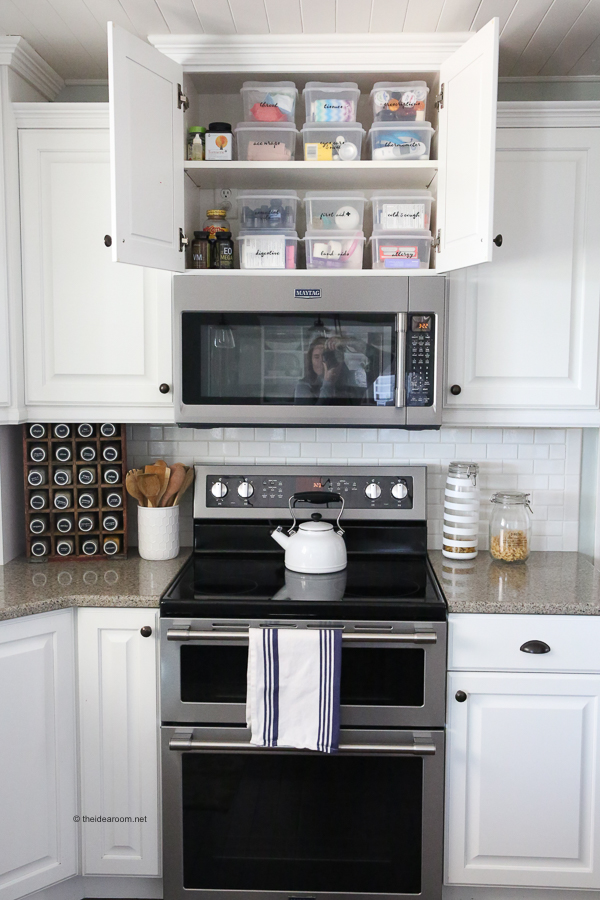
If you are interested in taking a deeper look into some of the spaces in my home, check out the following posts!

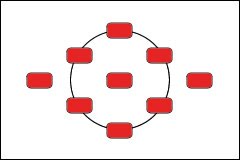
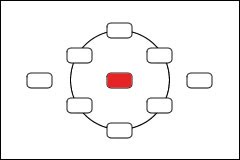
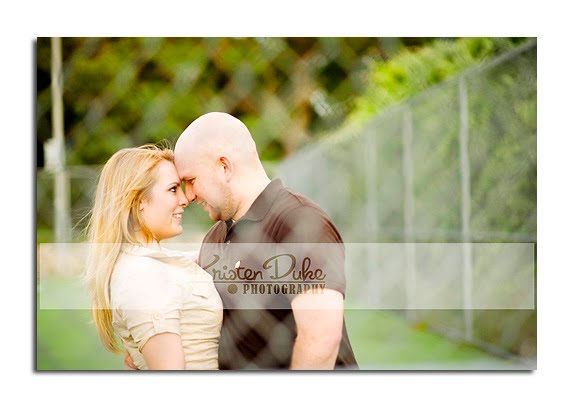

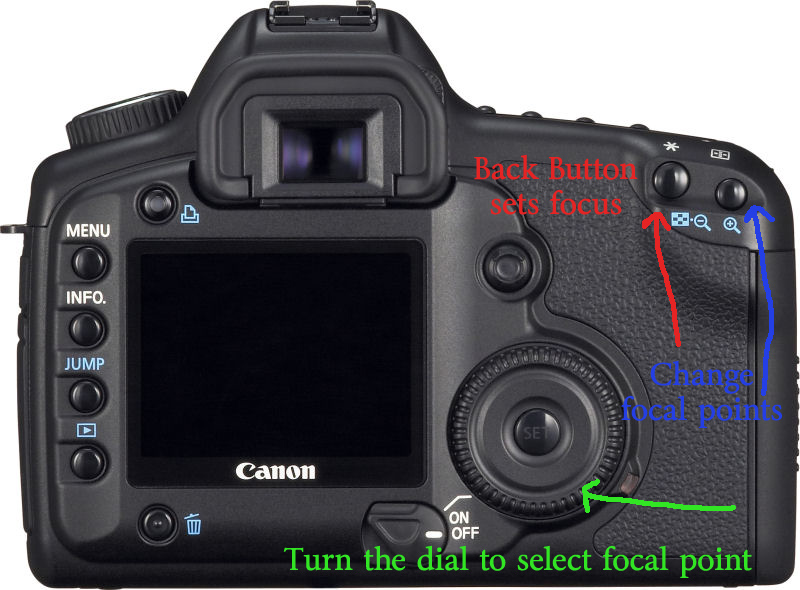

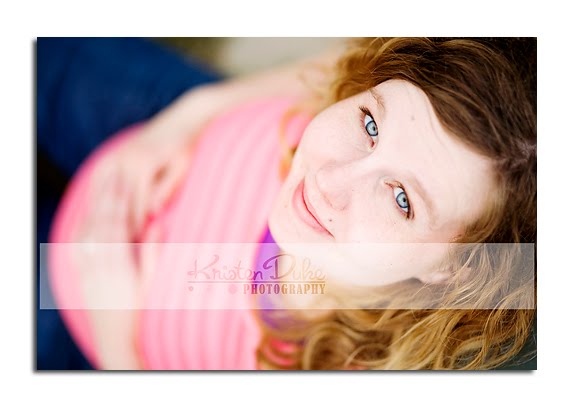





Wow. I get it. Thanks Kristen, this will make a difference in my shots as I am always frustrated the red dots aren't lighting up on the part I want to focus on. I'll just do it myself!
Not that taking pics of fabric and paint brushes is as exciting as faces, but I can make it a close second :)
Thank you for this info! I did not know about the * button for focusing. I will have to try that. I have really enjoyed your photography posts, they have been very helpful to me.
Questions: What f-stop would you set your camera on to get everyone in a group of 4-6 people in focus and still get nice bokeh?
Do you have any tips for taking pictures/camera settings of children, who are always moving?
Do you use custom or auto white balance? If custom, how does that work?
I consider myself a photographer who knows just enough to be dangerous. I know how to adjust many of the settings but still really struggle with how to get them to work all together. Perhaps some posts on the following:
ISO – what it means, when to use it/adjust it, what combos of shutter speed, aperture and ISO work best in which situations (i.e. Indoors vs outdoors). Why does higher ISO make my indoor pics come out grainy?
How to take good indoor pictures when lighting is not good.
Night time photography tips.
How to use that meter you see inside the camera when looking thru the lens. Is it a light meter?
What do the numbers on the various lenses mean? How
do you understand these numbers so you will know what the lens is capable of.
Loving your posts so I know anything will be helpful. Thanks!
I'm like Krista (above) – I know enough to be dangerous. Thank you for arming me with more knowledge so I can be even more dangerous! I'm bookmarking this post for later study!
Melanie, you will be surprise how taking pics of fabric and paint brushes can be fun with great photography! Using this focusing technique will be sure to help:)
Jennifer, I covered some of your questions in previous posts (group photography, white balance), but I can include others in future posts.
Krista, check for my 2nd post where I talked about ISO, indoor, but light meter is a good suggestion.
Lynn–go for more dangerous!
it sounds interesting. Complicated, but interesting. I have the * button on my original Canon drebel, but I cannot find the function buttons to change. I'll need to open up the manual and see if its possible.
It feels a bit overwhelming!
thanks for the tutorial. I'm sure I'll get it sometime!
I have always wondered about this! Thank you so much for giving us this information. You are wonderful!
Thanks for this great post! Now I need to figure out how to do this on my Nikon…
I don't have the dial on my model, but I'm sure I can figure out how to jump between the points ~ thanks for the tip!
Right now I am doing something similar ~ I set my focus to always be the center dot, put that dot on what I want to focus on & press down the shutter button part way to lock the focus. Then I move the camera over to frame the shot the way I want & then take the picture. It's great because I can quickly move the focus all over without having to change any settings.
Thank you! This is a tip I have never heard before. I can't wait to give it a shot!
we're on the same wavelength – I posted about "focus" yesterday – – I used to change around my focus point like you (picking different red dots) but then I took a photography class and learned the trick of "focus lock" where you keep your red dot set on the middle and then lock your focus and slightly pan over – that way you don't have to keep adjusting your focus point – – I posted about it: http://craftedition.blogspot.com/2010/05/photography-tips-focus-lock.html
anyways, love all your tips!! i think getting a good focus point is what makes the picture great
Thank you so much for posting this…I have never heard of Back Button Focusing. I will give it a try. Getting that look is one of the things I am struggling with right now. I think that I have the white of the eye focusing…the red dot is right on the inside corner of the eye, but then I see them on the computer and it's not as sharp as I would like. Hopefully this will help. :)
Love all your posts…thank you!
I love these photo series. You explain it very well. I am currently trying to shoot everything in manual and I'm sure as you know it is a lot of trial and error. I know on my camera it will tell me what each picture "combo" (iso, shutter speed and f-stop) I used, but when I transfer my files onto iphoto I cant find that information again, and I like to delete the photos off my camera after I've uploaded to the comp. Do you know how I can find out what "combo's" I used for each picture on the comp.? Does that make sense?
Also, I'd like to learn more about lenses too. Any tips on that? Thanks so much!!!
Taylors–I don't use iphoto, but in PS, I can right click on the image and have options to view the data in the pop up bar. I also talked about lenses in a previous Idea Room Post:)
Mandy–from what I understand if you are using the center focal point and recomposing, it won't matter too much if you high a higher fstop, but if you have a really low fstop as I often do, it will be focusing in the middle with your subject off to the side a bit out of focus.
Thank you again for sharing, I'm enjoying all of your posts :) I can't wait to try this on my camera!
Kristen, that is amazing! I had no idea my camera could even do that, and it solves so many frustrations I've had lately. Thank you so much!
My Canon body is slightly different, I noticed other commenter(s) couldn't find the dial, it is near the shutter button on mine.
Amy – I couldn't find the right function settings right off either, but try putting the camera in one of the manual shooting modes, any mode above auto on the dial.
That makes the "menu" items change. (at least for me)
Over all, I found that to be one of the most (surprisingly) simple new techniques to walk through.
Thanks again, Kristen!
You're so kind to share all this with us. :)
Thank you, thank you, thank you. I get it! I was always confused be the whole back button focusing, but you explained it very well.
thank you, thank you, thank you for this post! i tried it yesterday & WOW what a difference that made it getting my focus right on. love it when someone is able to explain something & i actually have that "ah ha!" moment.
i would love a post on nailing exposure. that is something i still struggle with….
Thank you so much for this post! I swear I've been losing my eyesight as I've tried to manually focus some of my images and the auto focus sometimes doesn't quite cut it either, so I will be trying this out!
Also, I'm not sure it it's been covered, but I was wondering if you have any suggestions on posing people. I struggle to pose teenagers, adults and families so that they look natural and so that the arrangement looks balanced. Any advice would be very appreciated!
Thanks again!
Thanks Kristen for another awesome, informative and educational post! I have learned so, so much from each posting! I have to admit that some of the photoshop posts went over my head, but everything else has taught me more than I've ever learned in any photography class or book. Your photography is so inspiring! Perhaps you could think about teaching an on-line class this summer. I know I would sign up!!
Thank you SO much! You explained this with great clarity! I can't wait to go try it out… :)
I did made the changes on my Canon Rebel, but when I focus, there are no red lights at all? Any help? Thanks!
hello i just wanted to thank you for this article, i have the 60D i think my back button is in a different place up next to the * button… also it actually says af-on when i hold it down it focuses for me the * button wont do it on my model just wanted to let you and anyone else know that might be wondering the same thing.. :)