




Learn how you can get your home organized with my easy step-by-step organization course. My course is full of organization ideas as well as home organization tips and tricks to get your life and home organized and keep it that way.

ONLINE DECLUTTERING COURSE
For the past several months I have been putting together my Online Organization Course, The Balanced Home. I am excited to teach you my decluttering and cleaning process. These processes also teach you how to create simple routines and cleaning schedules which allow you to naturally maintain your clean and organized home.
No need to hire a professional organizer, or live with the clutter because you will have the skills and learn how to overcome any mental barriers or fears you might have to get started!

WHAT DOES THE ORGANIZATION COURSE COVER?
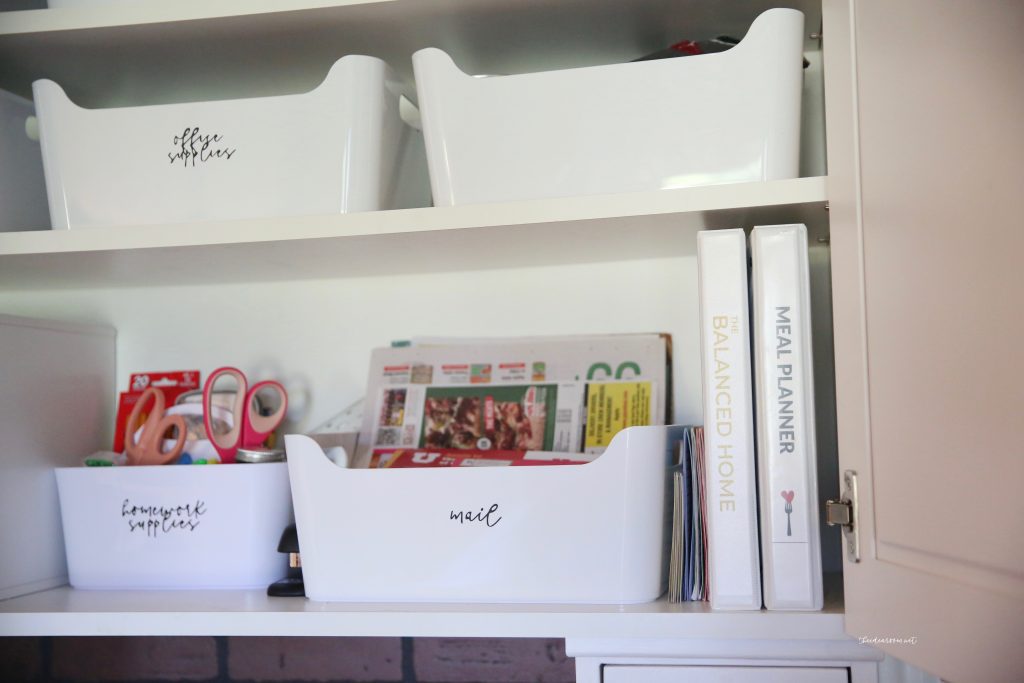
The Balanced Home Organization Core
($1,000 Value)Contains my core Decluttering and Organization Processes, which shows you how to:
- Learn how to declutter and organize your home–by learning processes and techniques that really work!
- Deal with stuff you don’t know how to get rid of
- Understand what qualifies as hoarding
- Understand how to overcome hoarding tendencies
- Deal with your junk room or junk drawer
The Tools
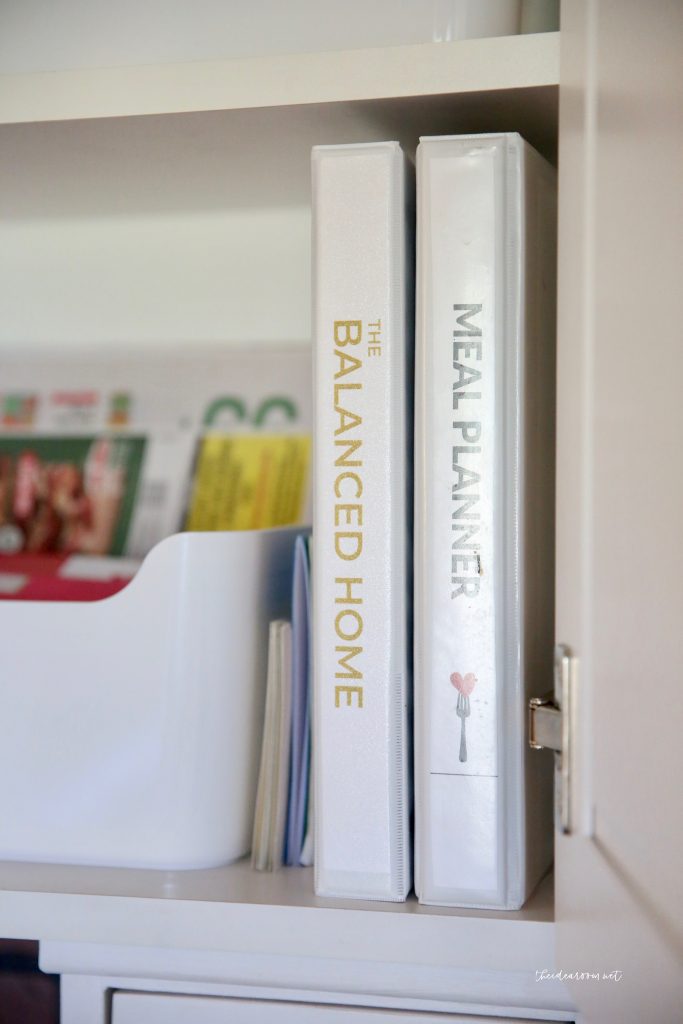
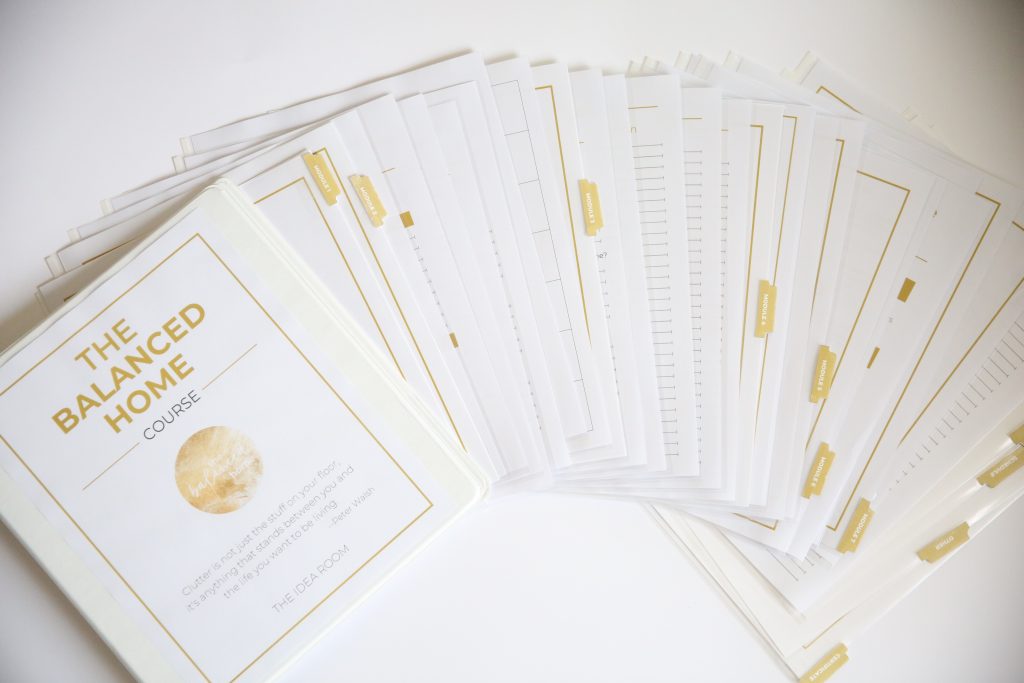
- Workbook, Resources, Labels, and More ($250 Value). Contains everything you need to help guide you through each lesson, including:
- An easy-to-follow workbook to guide you step-by-step through the lessons
- Printable Labels
- A vision sheet for your home
- A working checklist of tasks you can accomplish in 30 minutes or less
- Shopping and To-Do Lists
- Monthly Calendar and Weekly Schedule
The Mental Foundation
The best processes to overcome mental barriers from Tony Robbins and Dean Graziosi’s Mastermind Course ($200 Value). Helps you to find the time, the energy and the motivation to organize your home by:
- Discovering your “true, internal why” -> what motivates you to want an organized home
- Helping you clearly identify what is holding you back from success
- Teaching you how to organize your schedule to create new pockets of time
- Helping you discover what is most important for you to accomplish with your time, as opposed to just urgent or habit
- Helping you cut out the things that aren’t important and identify gaps in your schedule you can dedicate to working on your home
Your Ideal Home
The best processes to set and achieve your vision by breaking it down into actionable steps ($300 Value). Teaches you how to break down an overwhelming project into small, manageable steps, by:
- Clearly defining your goal and vision for your home
- Learning how to evaluate specific rooms and identify what you want to be improved
- Identifying specific, easy to complete tasks in each room that will contribute to your overall goal without overwhelming you
- Getting your family or others involved in the process
Cleaning and Maintaining
The best processes to clean and maintain your home after it has been organized ($200 Value).Teaches you how to maintain your home once it is clean and keep it organized, by:
- Providing you with the basic cleaning routines you need to naturally stay in control of your home
- Teaching you my amazing “Ten-Minute Clean-up” process, which allows you to clean an entire floor / room in ten minutes or less!
- Showing you how to establish routines with your kids and other members of the family
- Sharing important resources such as chore cards, favorite cleaning products, and a deep-cleaning checklist, and more
- Explaining the laundry routine we use in our home to get our laundry done every week without even thinking about it
- Teaching you how to deep clean your home after it has been decluttered and organized
- Showing you how to help the other members of your household be on the same page and not “unclean” your home
During the course, we will:
- Show you the process of how to go throughout your home decluttering, cleaning, and organizing. Then you can take this process and go throughout all the rooms in your home–including the bathrooms, kitchen, craft room, home office, basement, entryway, playroom, garage, attic, and all other rooms in your home–cleaning and organizing.
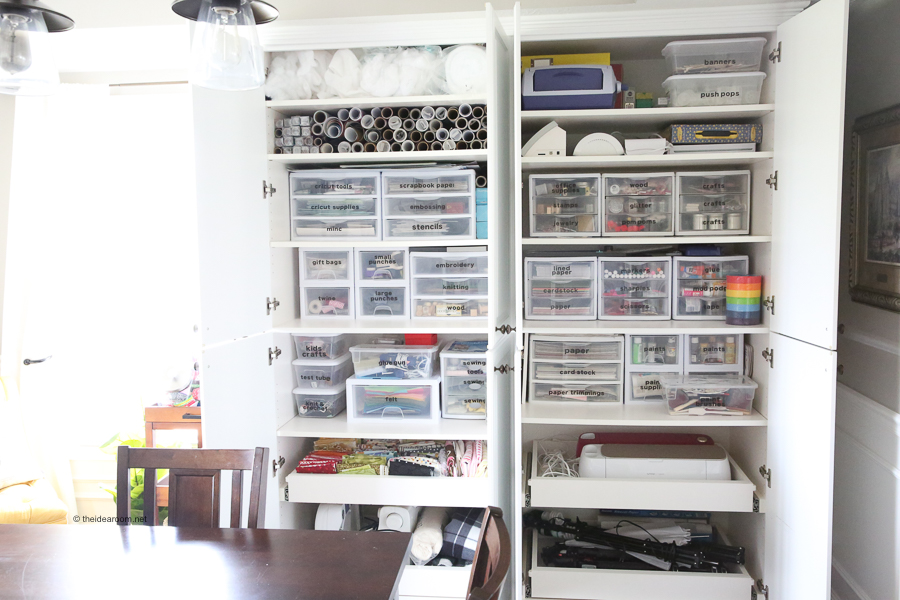
- Clean out and organize not just the rooms themselves, but organization spaces such as closets, shelves, drawers, and bookshelves.
- Learn how to properly use organization equipment, such as bins, drawer organizers, storage bins, food storage containers, lids, and baskets.
The Private Balanced Home Community
(BONUS – Priceless). Provides a community that you can go to whenever you need a place where you…
- Seek inspiration and ideas from others
- Receive support and motivation from others
- Share your successes and see the successes of others as we all work towards finding balance and clarity in our homes.
- Can ask questions and let me know what you may still need help with so that I can continue to cater the course to your needs


What Do People Have To Say About My Organization Course?
“This course was instrumental in helping me organize my space as well as my time. As a busy mom, I have a better grasp on what my days need to include so that I can enjoy my family rather than spend my time spinning my wheels cleaning up after everyone.”
“The Balanced Home Course helped me to be the “professional organizer” for my family! Simple steps to follow, check lists, printable labels, suggestions and worksheets will keep you on track to successfully maintain your own balanced home.”
“I am pretty sure I have solved more issues with the seven layers and clarity tool than I have in 6 months of therapy!! I think this course is going to help much more than my home. Thanks Amy!!!!”
When I realized I had been overcomplicating the idea of organization, that simplifying was a key component, then things really started to fall into place!”
When I realized I had been overcomplicating the idea of organization, that simplifying was a key component, then things really started to fall into place!””
HOW TO GET MOTIVATED TO ORGANIZE YOUR HOME
HOW TO OVERCOME FEARS AND MENTAL BARRIERS
I asked and these are the things that are holding you back from getting started! I made sure my course helped you overcome your specific fears and developed processes to address each of the concerns below. Have you ever had any of the same concerns?
- “I don’t have the time.”
- “I don’t know how to break it down into manageable chunks.”
- “How do I balance other activities?”
- “I don’t have enough energy / motivation.”
- “I’m overwhelmed and don’t know where to start.”
- “I’m scared / unable to commit.”
- “I don’t trust myself.”
- “I don’t have the confidence I will finish.”
- “How do I maintain / keep on top of it?”
- “I have a hard time with inconsistency / finding balance.”
- “I’m afraid of quitting too soon and having it be a mess.”
- “How do I build the habits and routines?”
- “Keeping it clean and organized”“Staying focused and not getting distracted.”
- “What if I have physical limitations.”
- “I don’t have the supplies / resources / money (i.e. containers etc.) / storage space.”
- “I don’t want to part with things.”
- “What Do I do with all the stuff? Donate? Kids?”
- “What if I need it later?”
- “My family has stuff they want to keep.”
- “Family is not being helpful or even counterproductive… How do I get my family on board?”
- “No sense of design / vision for what I want.”
- “Lack of knowledge.”
- “Afraid of not doing it right.”
- “Being okay with not having it perfect.”
STILL NOT READY TO BUY?
Because I know that sometimes it can be difficult to take that initial leap of faith, I wanted to give you something that would allow you to get your feet wet a little, something that you could access RIGHT NOW. I think you’ll like it. I’ve opened up a “sneak peek” section of my course, where you can access one or two of the lessons that are a part of The Balanced Home Course. If you click the button below you will be able to create your own personal account / log in for the course and access the “sneak peek” videos.

OTHER ORGANIZATION PROJECTS
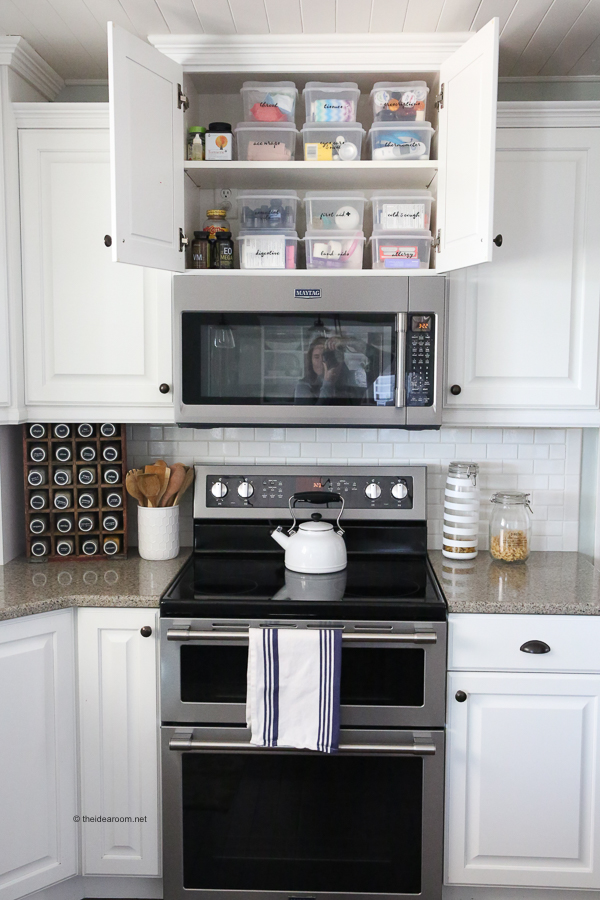
If you are interested in taking a deeper look into some of the spaces in my home, check out the following posts!







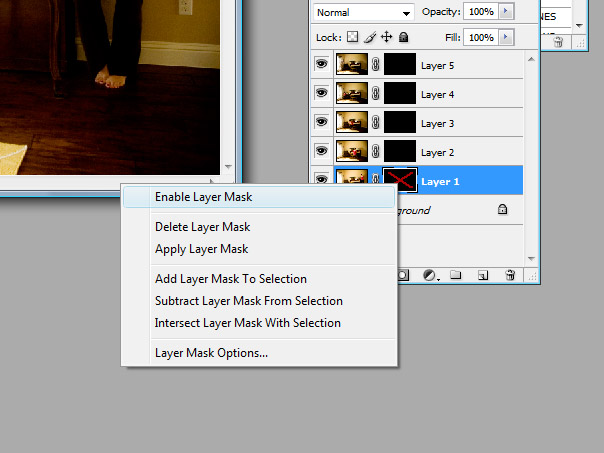

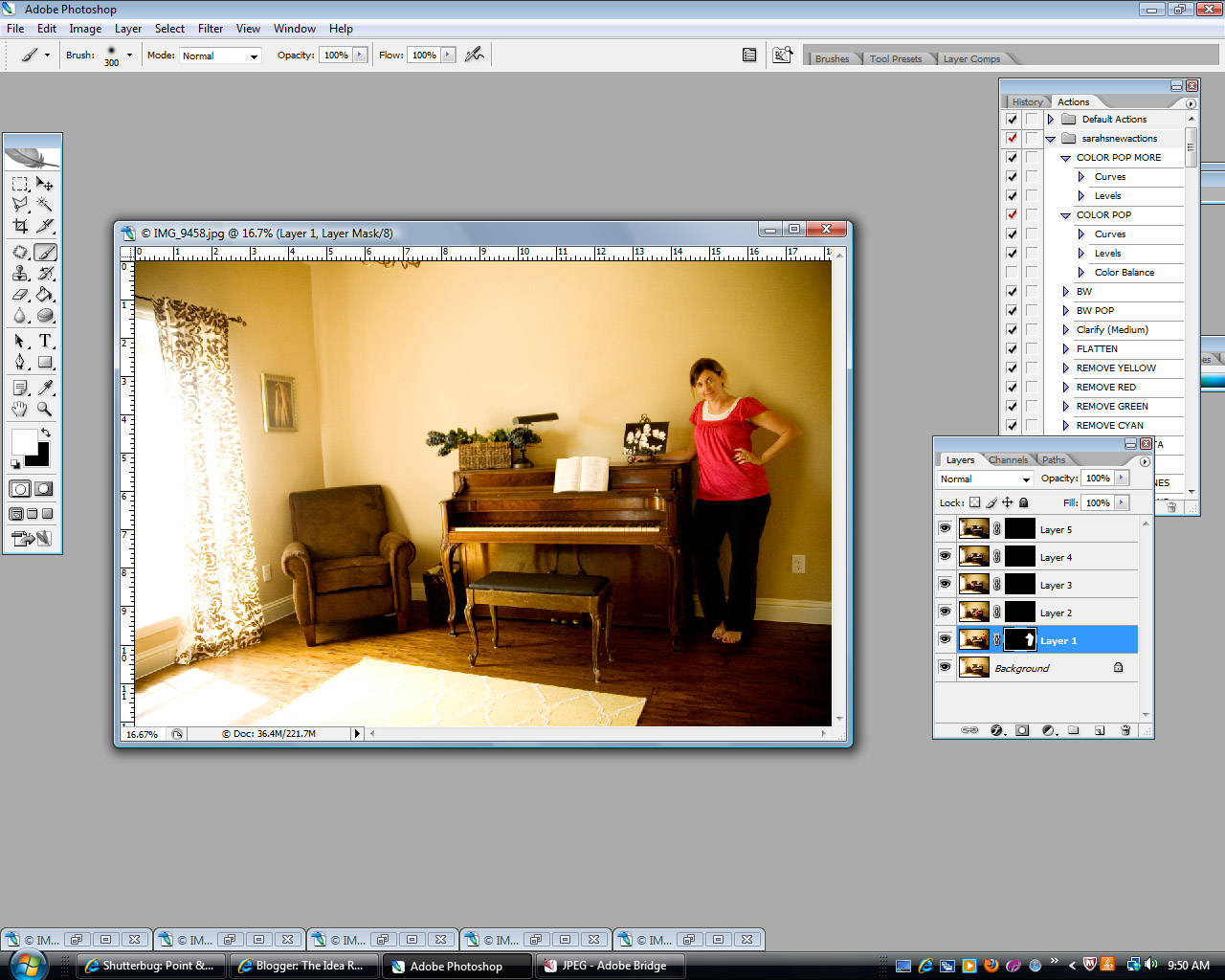













What a fun idea! Merging photos for that reason. I think I will do it tomorrow.
sorry this is late but you were featured here:
http://cupcake-mommie.blogspot.com/2010/06/sunday-blog-swop_20.html
have a great day!!!
I did a whole post on the same soapbox – moms are never in pictures!
http://craftedition.blogspot.com/2010/05/she-left-proof.html
And now I'm got to try the whole merging photos thing – looks so fun!
That skirt is SO cute and very flattering, looks like fun ideas! Love your blog :)
Love the photoshop tutorials and this one is great! I am always the one taking the photos and most of the time left out of them. What a fun idea!
This tutorial is great!! Thank you! Love the tips
What a fun challenge! I would love to submit a photo, but do not have a blog. When I tried to submit a photo it wouldn't let me since I left the "URL" blank. Any ideas for those of us who would like to submit but don't have blogs?! Thanks so much!!
Yes! Email me your name and image to kristenduke AT gmail DOT com
That is really cool!!
Thanks for sharing.
Audrey
aka AudreyGardenLady
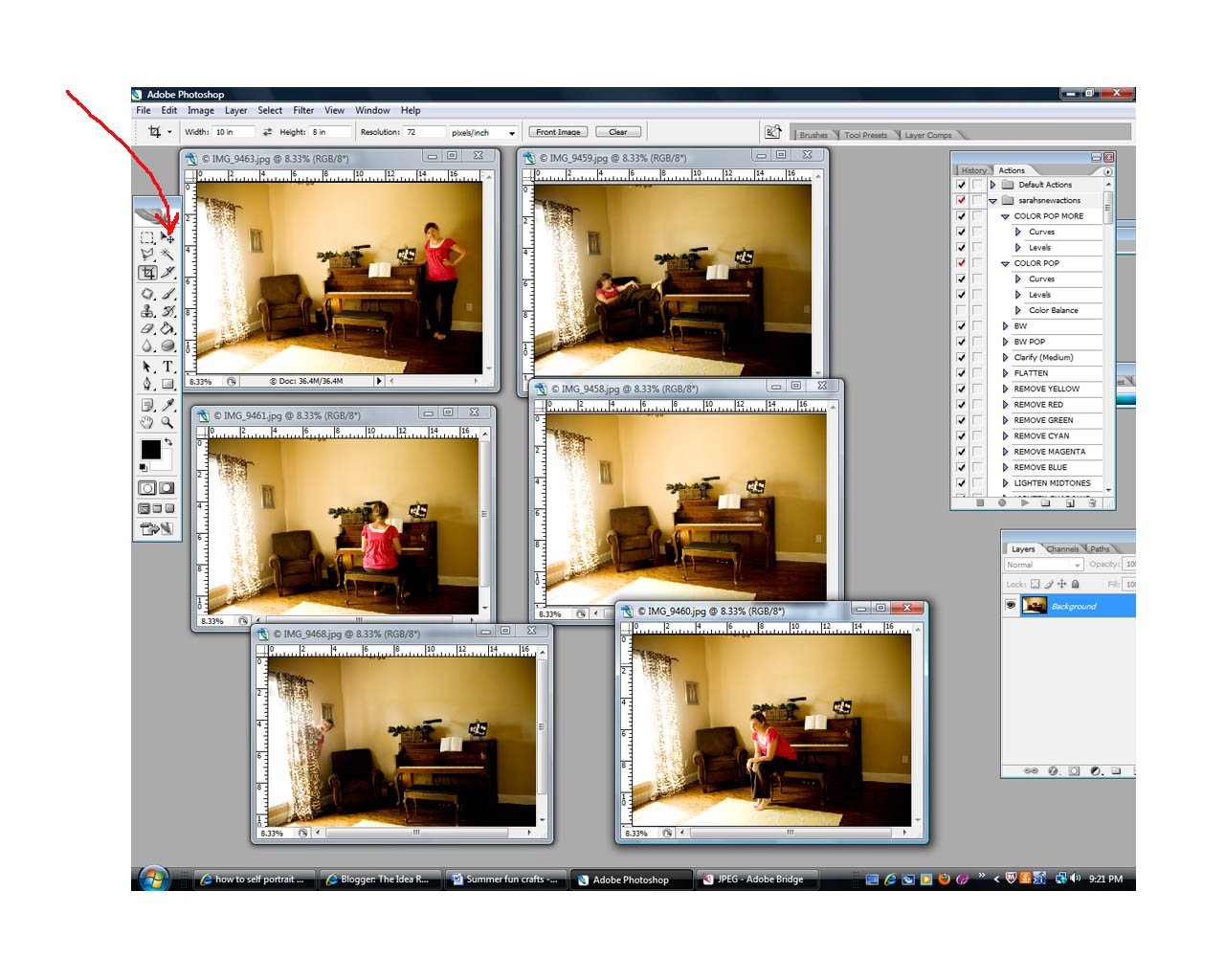
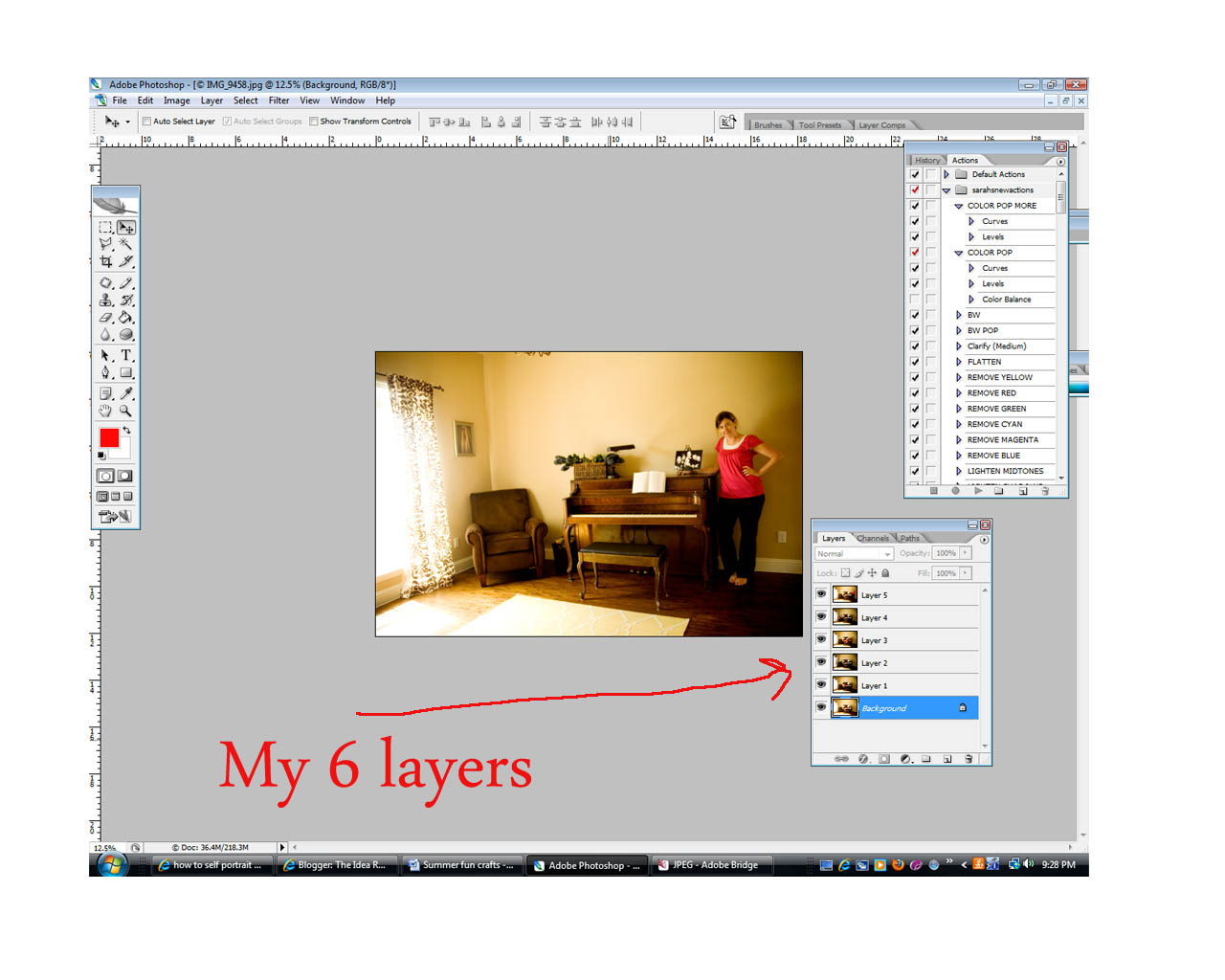
I love the Photoshop tutorial. As a self taught Photoshop person, sometimes I get a tip I didn't know (but probably should have) and I'm so excited! (I didn't know the "shift" move thing. That would make things a great deal easier!) I can't wait to try all this out.
And also, my father passed away in an airplane crash when I was 8. He was the photographer at our home and there are only a handful of photos of him. They are precious. And have taught me a great deal about trying to get in front of the camera every now and then. We never know. And I wish there were more of him.
Such an important concept!! Thanks!
My grandmother was a plump woman – but she had a beautiful face and always took pride in her hair. In her 50's she suffered some disfigurement in her face & her hair of course turned grey. She always lamented that she had no pictures of herself in her younger more beautiful years. She told me to always remember to get in pictures, too. Moms may forget to take pictures of themselves for their kids' sakes. But you're a WOMAN too and you never know where life will take you. I have no kids but I want to have pictures of ME when I'm a notstalgic old lady. And that's not selfish!!
I love this post. I totally agree that mom's should take more pictures of themselves. I read that someone did a 52 week challenge of getting pictures of themselves every week with someone they loved. I'm going to set that as my goal as well. And thanks for the merging technique.
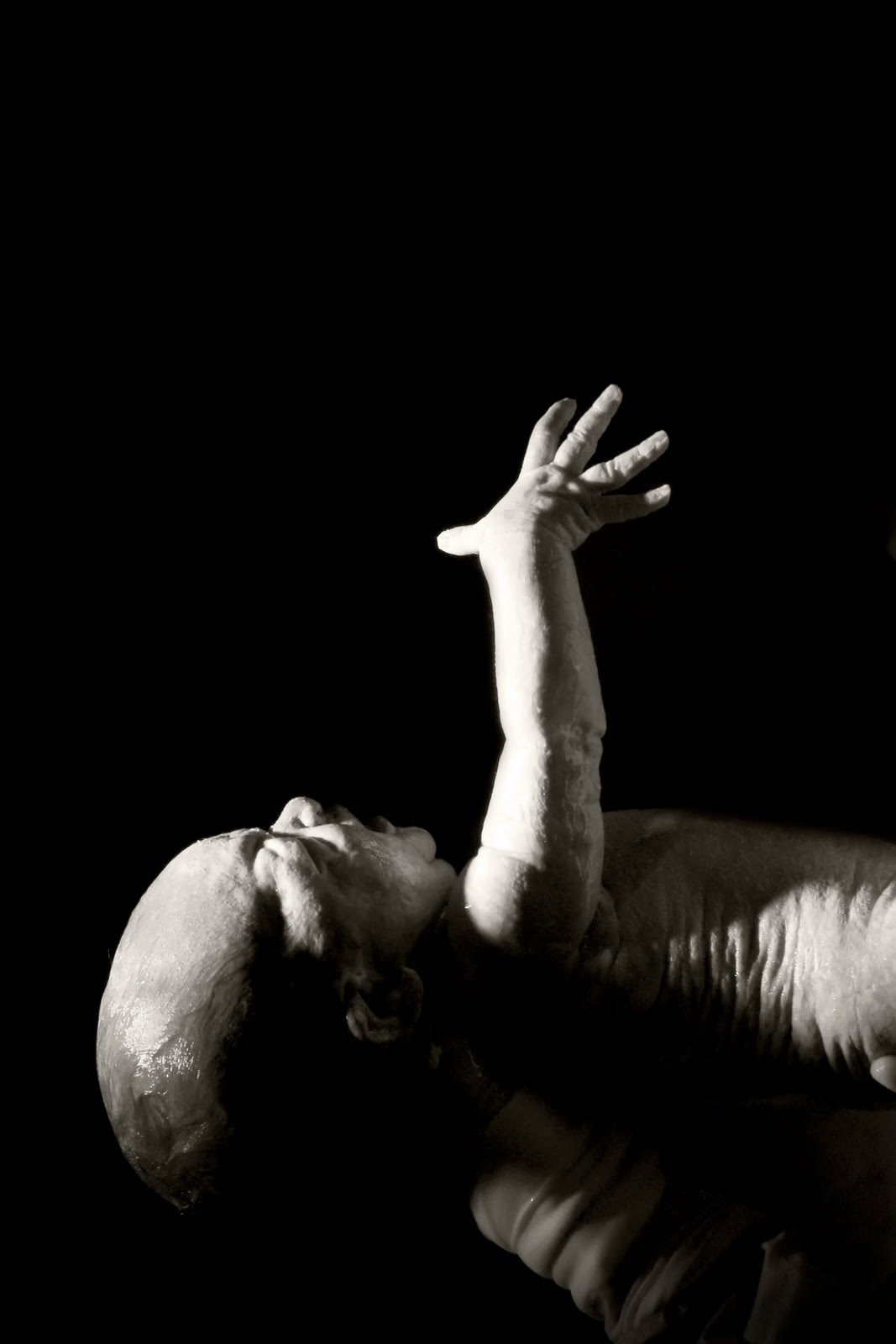
Question: That 1st photo of your baby with the black background? How did your friend get a black background and spot light look to the picture? I'm assuming you didn't bring in a backdrop and spot light into the delivery room?
Vanessa–I'm not quite sure what Julie did, but that was right as the baby "came out." I think the spotlight was above for delivery and that made everything around darker. No backdrop:)
Thanks everyone for further stories/examples of the importance of being in pictures!
I had the perfect opportunity to try out this awesome idea yesterday. I was doing senior portraits and asked the girl if she would mind posing for me. So it's not a self portrait but I wanted to share how it came out. I love it! It's definitely not perfect but now I know what I need to tweak for next time.
http://www.flickr.com/photos/31291728@N05/4736839274/
wow! love julie's pics! very fun!
WHAT a FUN AWESOME post!!….like always, I'm running late, and need to come back to this post!!
I linked up a self portrait I did back early in my 365…I had fun doing something different than what I usually do!
I can't WAIT to try some of the other ideas!! LOVE IT!!!
(sorry, I just linked to my flickr page, I don't have time to blog this right now……but I will link to this post on my flickr page!)
What cute pics, love the merging ones and the ones Julie did were so good!! I'm going to have to try some funny ones with my girls. Thanks for the tips and the reminder.
Pink Crush body butter from Treebee – fabulous!!
Thanks for that great tutorial! It was so easy, in a matter of 5 minutes I took 3 quick photos of my hubby in the loungeroom, and had them merged! I can't wait to try this out tomorrow with my daughter on her outdoor play equipment!